You haven't signed in yet, you can have a better experience after signing in
*Please complete the payment within {{receiveCouponInfo.expire_at}}Previous use*
You haven't signed in yet, you can have a better experience after signing in



Activity Rules
1、Activity time:{{ info.groupon.start_at }} ~ {{ info.groupon.end_at }}。
1、Activity time:cease when sold out。
2、Validity period of the Group Buying:{{ info.groupon.expire_days * 24 }} hours。
3、Number of Group Buying:{{ info.groupon.need_count }}x。
Please Pay Attention
1、Teamwork process: Join/initiate a Group Buying and make a successful payment - Within the validity period, the number of team members meets the activity requirements - Group Buying succeeded!
2、If the number of participants cannot be met within the valid period, the group will fail, and the paid amount will be refunded in the original way.
3、The number of people required and the time of the event may vary among different products. Please pay attention to the rules of the event.

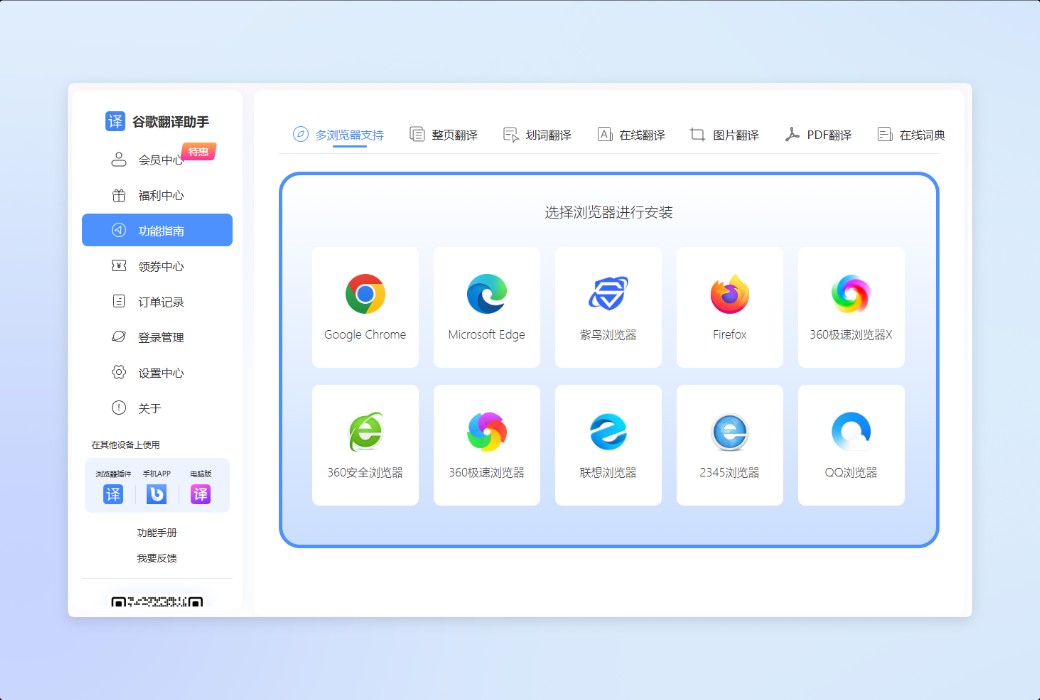
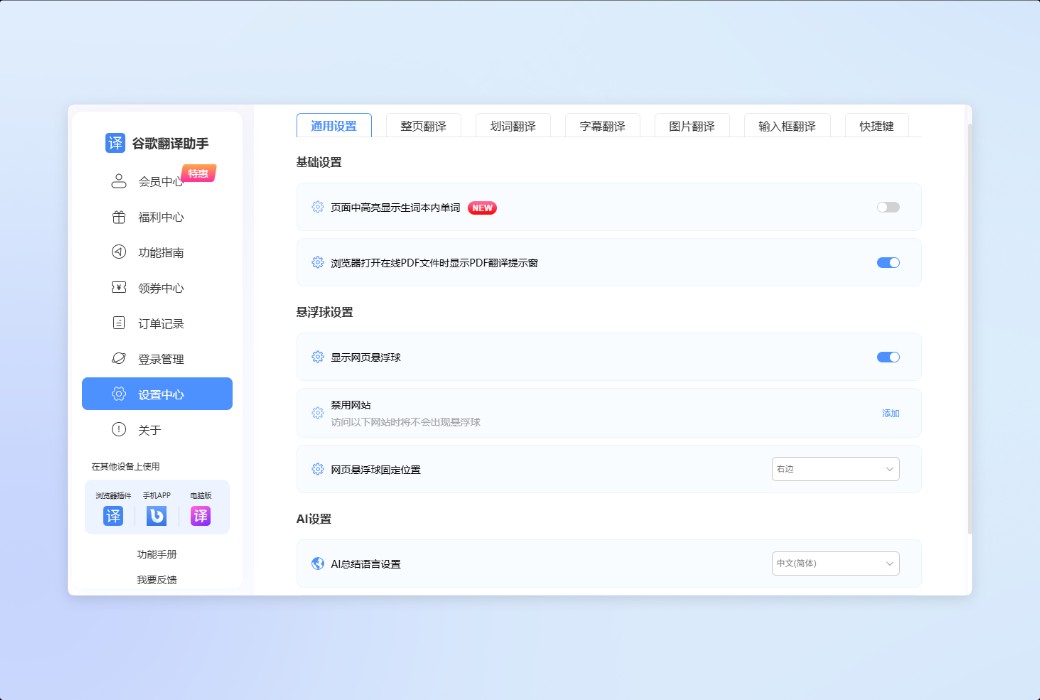
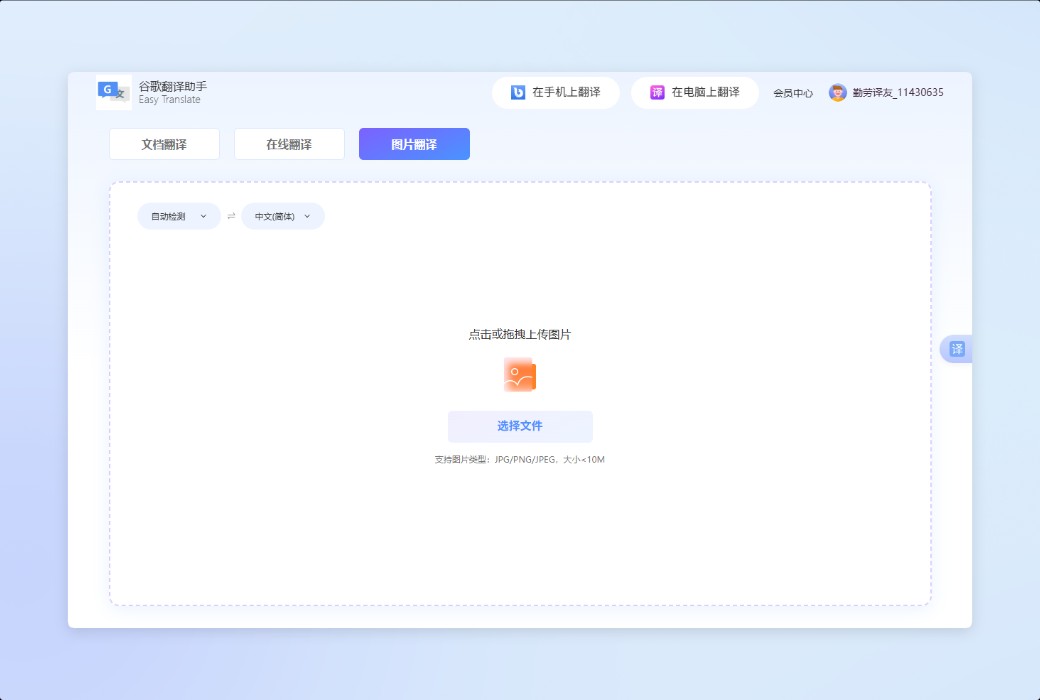
Full page translation, word drawing translation, image translation, document translation
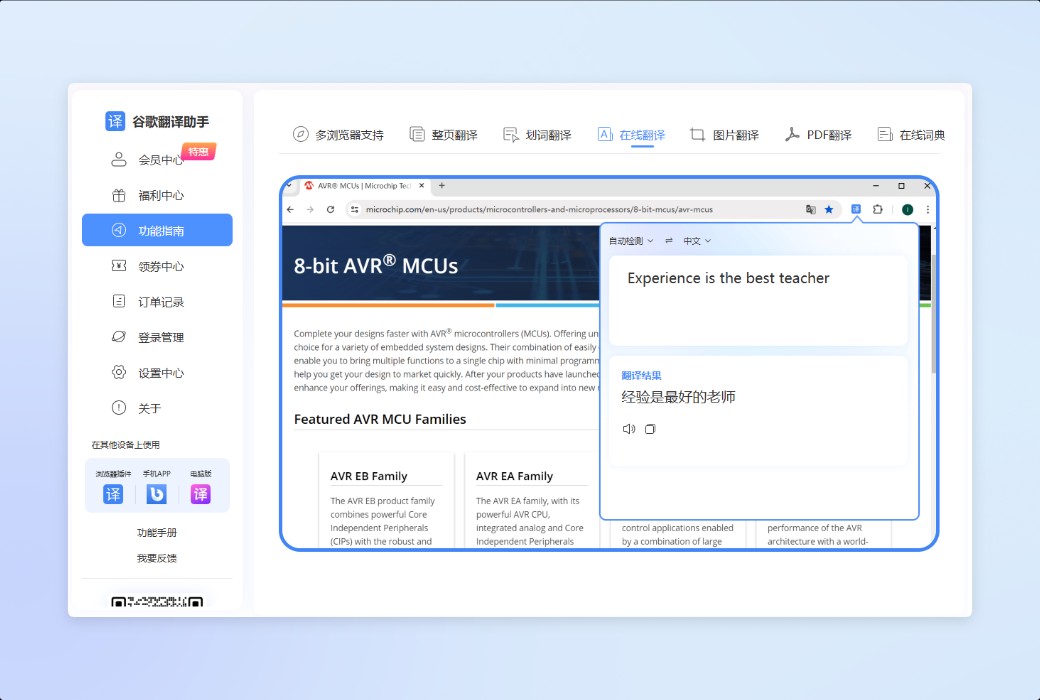
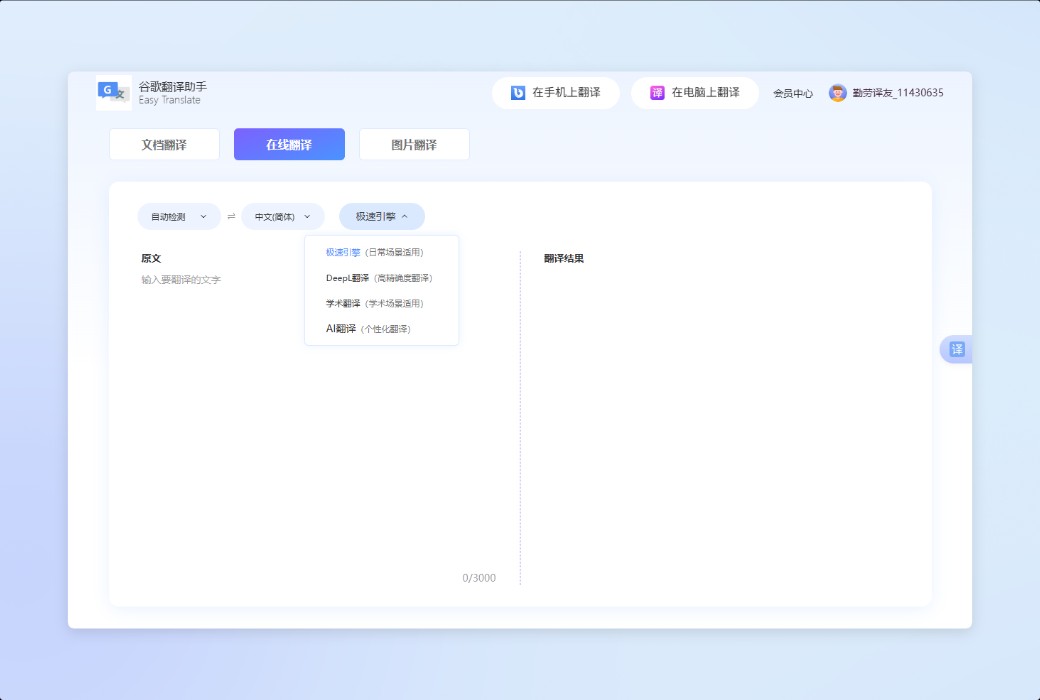
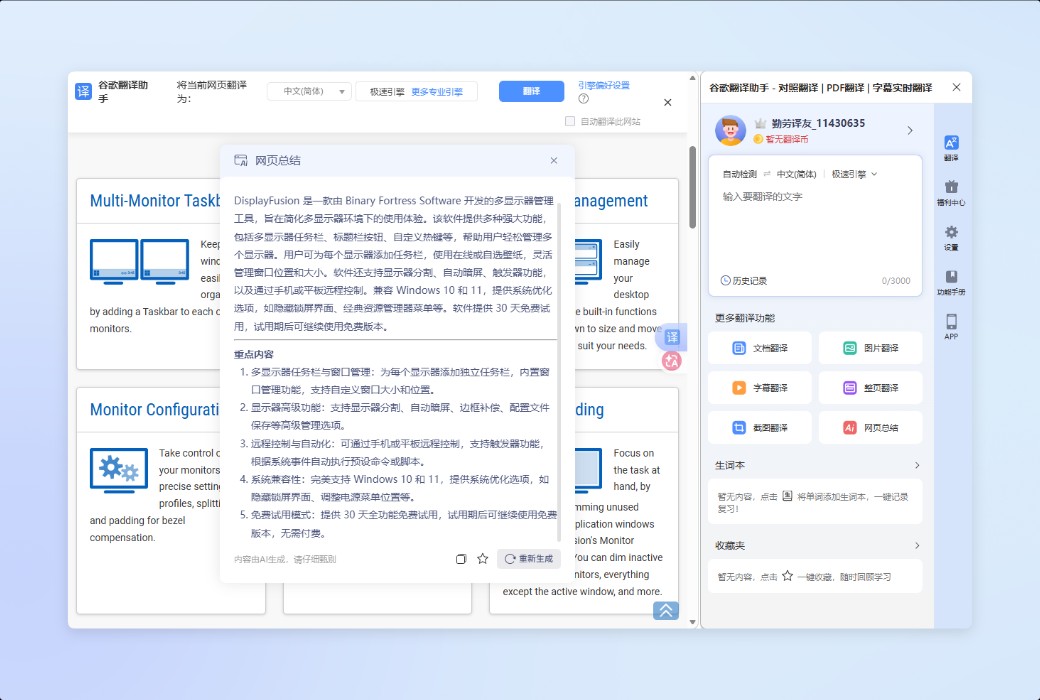
A plugin to solve translation problems on web pages, which can be completed while browsing web pages, and the results are directly presented on the original page without the need to copy text or repeatedly switch between multiple pages, making the translation experience more coherent and natural.
8 core functions covering translation needs across all scenarios
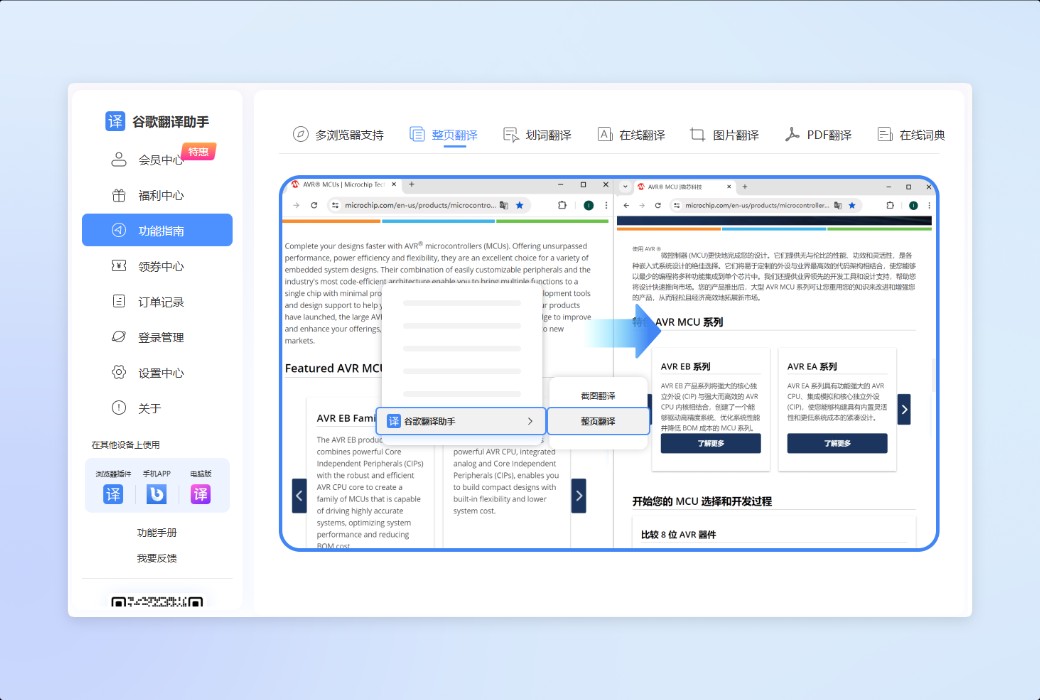
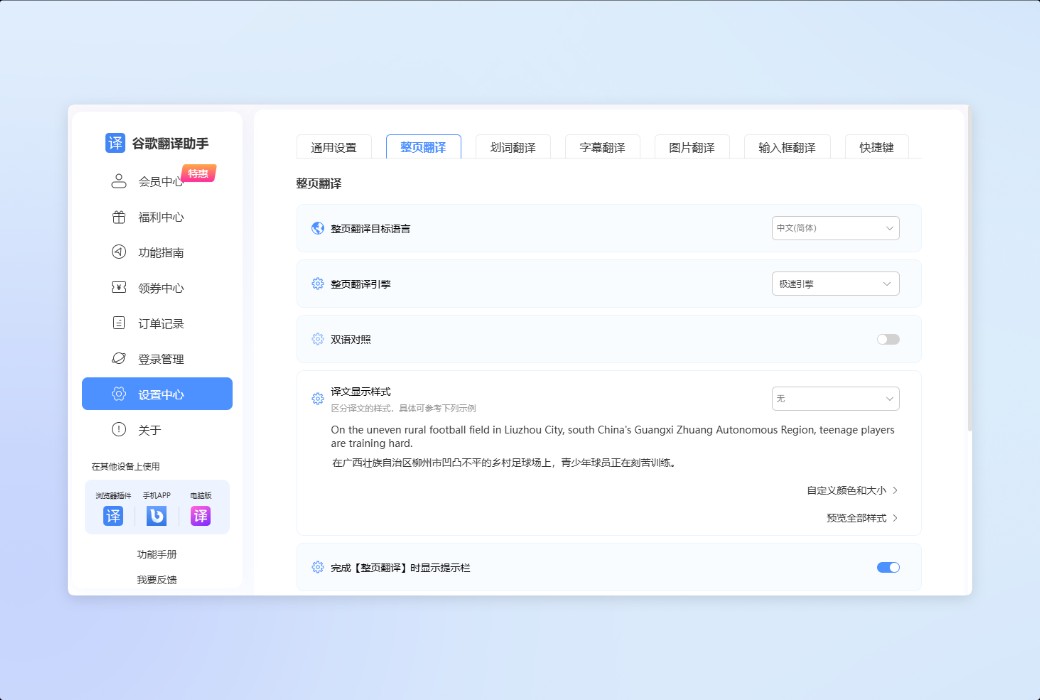
One click translation of complete webpage content, automatic adaptation of page structure, suitable for overall reading of long articles, information pages, and informative websites.
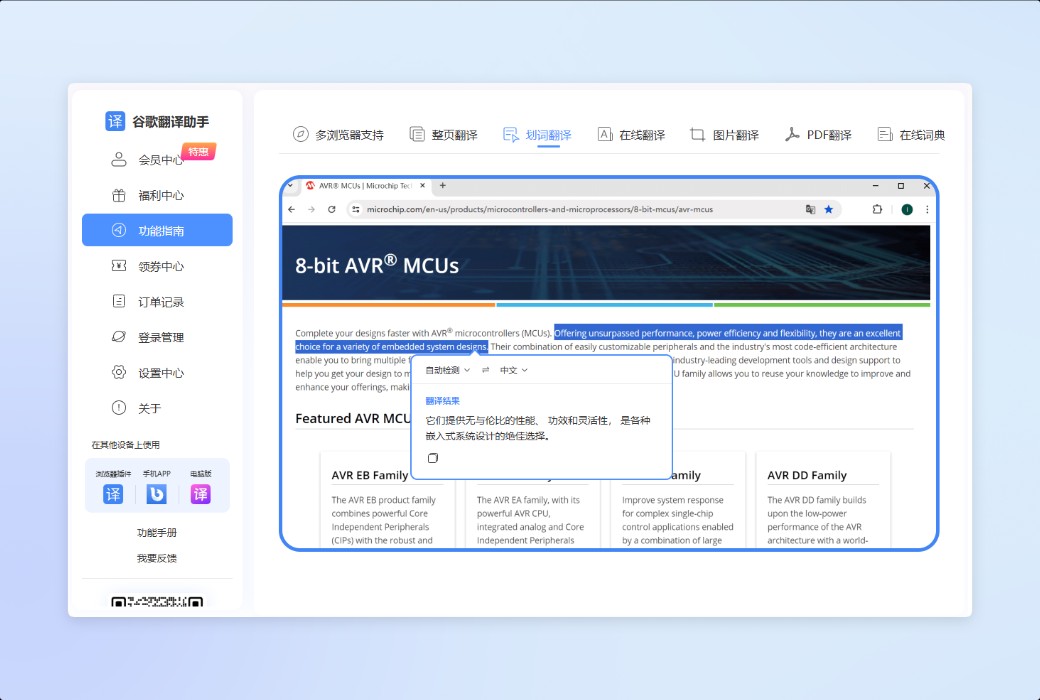
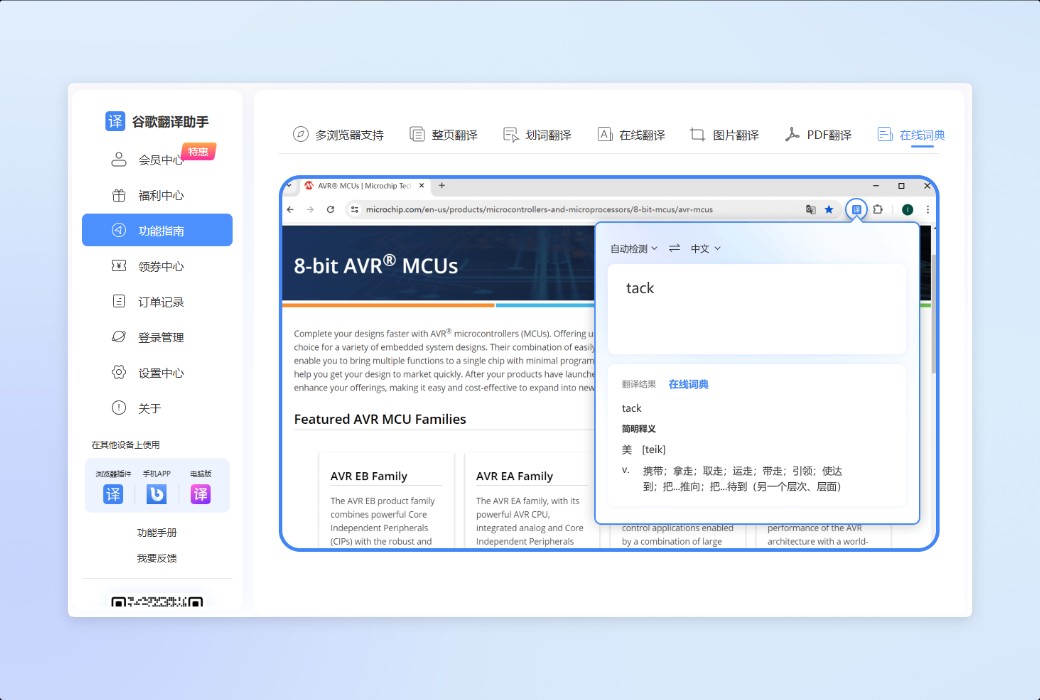
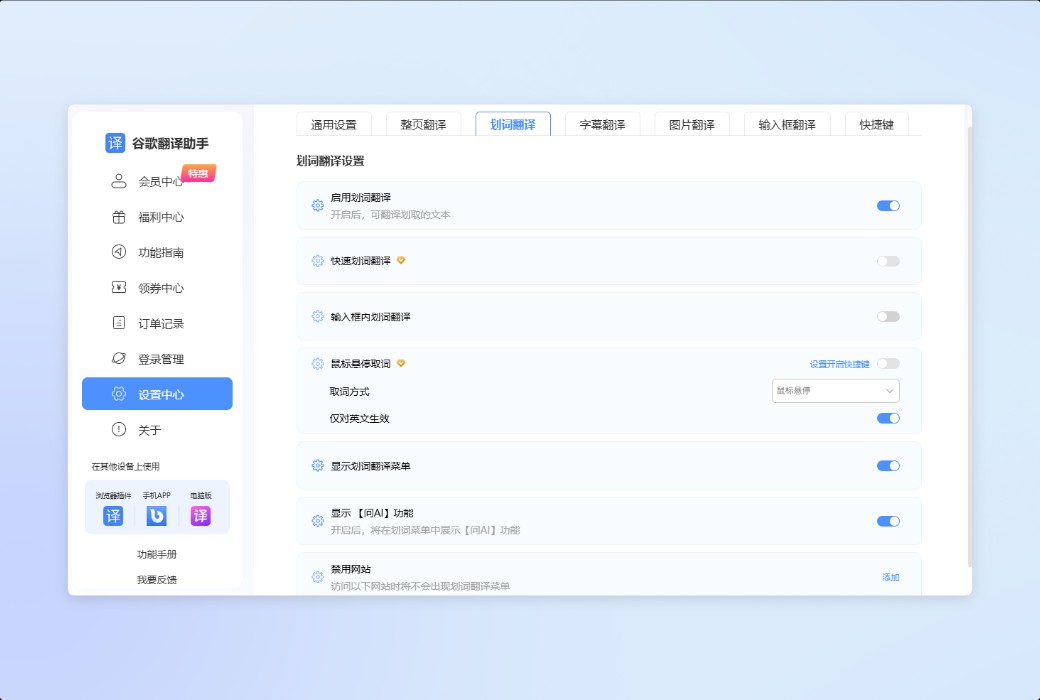
Select any text to quickly view the translation results, suitable for word lookup, understanding sentence or paragraph meanings during the reading process, without interrupting the current reading rhythm.
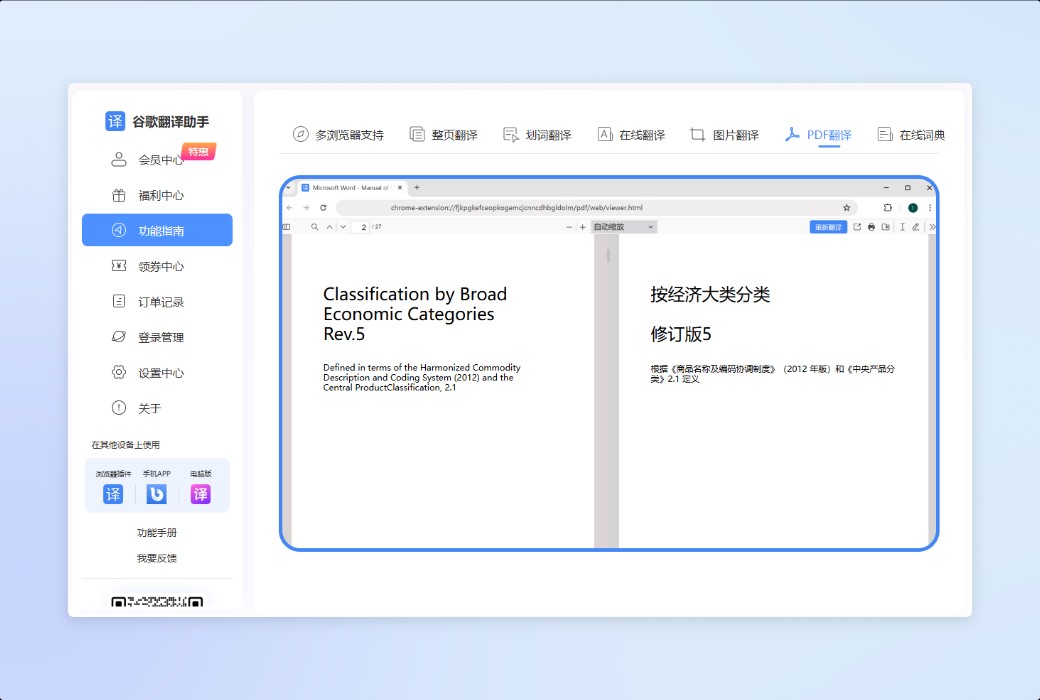
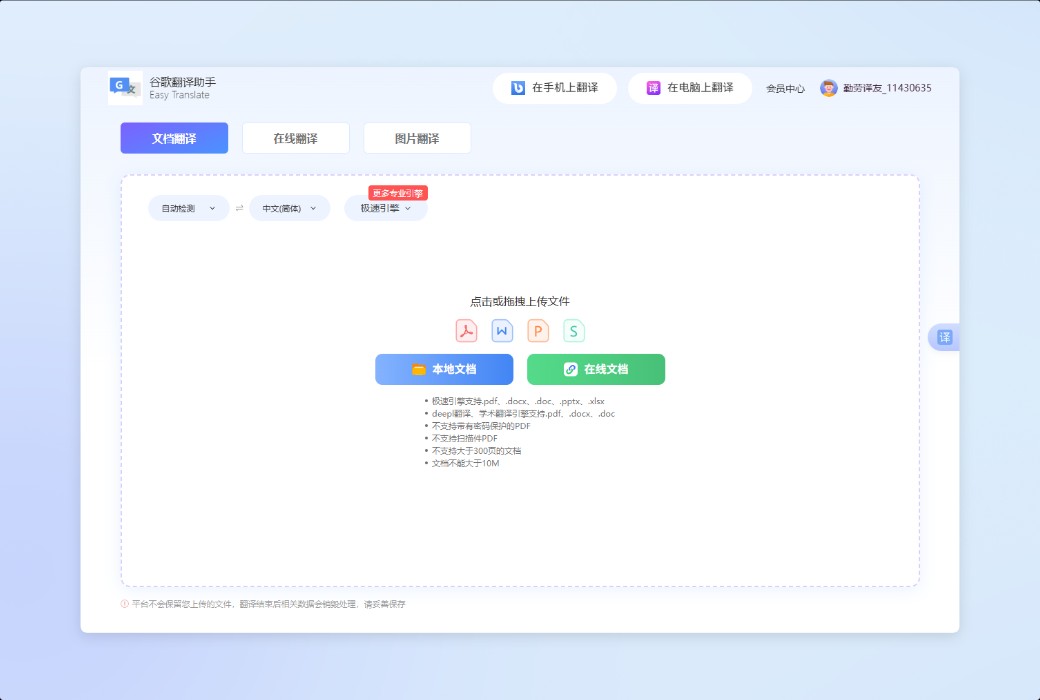
Support bilingual translation of PDF documents, preserve the original layout structure as much as possible, facilitate cross referencing and data organization, suitable for papers, manuals, and project documents.
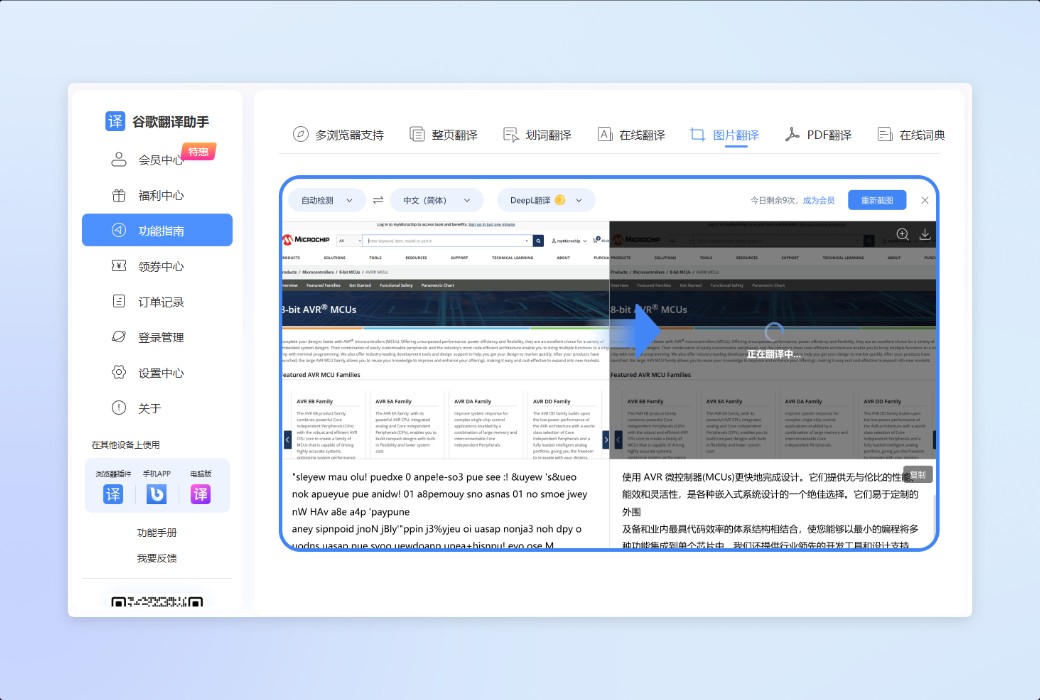
Automatically recognize text in images and generate translation results, which can be directly replaced or compared for display, suitable for scenarios such as screenshots, posters, product images, etc.
Synchronize subtitle translation while watching videos to help understand foreign language video information, suitable for course learning, information browsing, and conference playback.
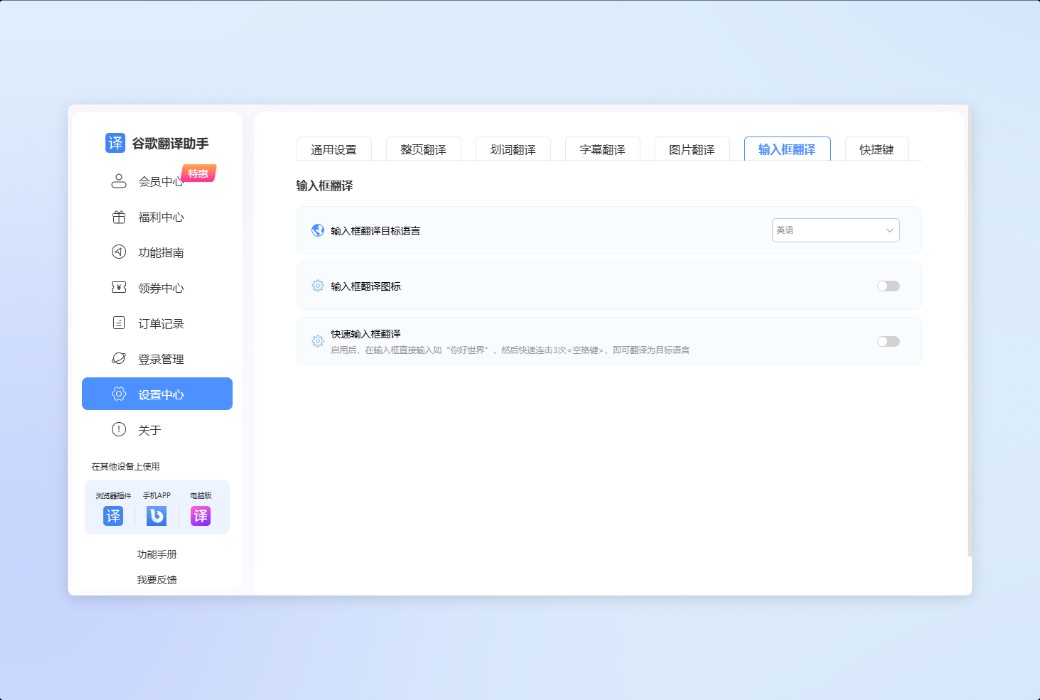
Translate and output content directly in the webpage input box, suitable for foreign language website search, form filling, and online communication scenarios, helping users express and communicate smoothly in non-native language environments.
Quickly summarize the main content of the current webpage, extract key information, help users quickly judge the value of the webpage before reading, and save time on browsing and filtering information.
Add words to the vocabulary book during the translation process, and automatically highlight the included words when browsing web pages later. Support marking unfamiliar or familiar states, distinguish by different colors, and assist in long-term memory and language accumulation.
Breaking down language barriers, suitable for these scenarios
Covering 5 core groups including students, cross-border practitioners, and language learners
Multi terminal synchronization, translation anytime, anywhere
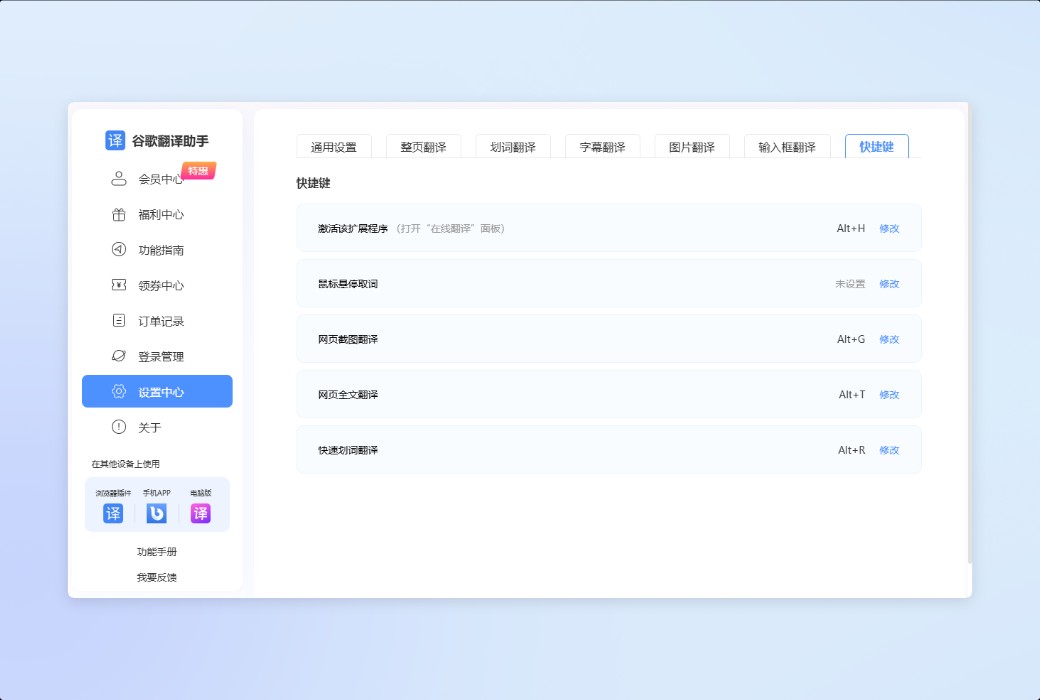
Seamlessly connect with your usage environment and obtain professional translation services anytime, anywhere.
Official website:https://cr-fykz.xiangtatech.com/
Download Center:https://cr-fykz.apsgo.cn
Delivery time:24-hour automatic shipping
Operating Platform:Web
Interface language:Support Chinese interface display.
Update Description:Use and update during the subscription period.
Trial before purchase:Free trial is available before purchase.
How to receive goods:After purchase, the activation information will be sent to the email address at the time of placing the order, and the corresponding product activation code can be viewed in the personal center, My Orders.
Number of devices:Can be logged in and used on 4 browsers.
Replace computer:Plug in personal center, log in and manage to log out of devices that are no longer in use, and then log in to the new device to activate the account.
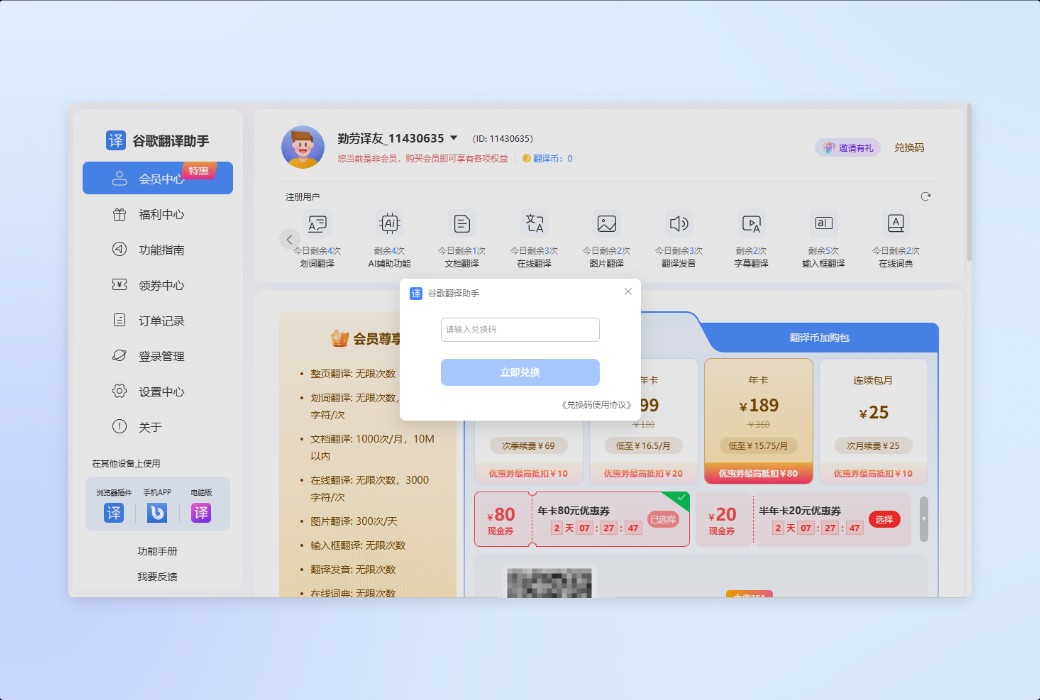
Activation guidance:Member Center - "Redemption Code"
Special note:To be added.
Reference materials:https://cr-fykz.xiangtatech.com/

Any question

subtitling
Basic Operations
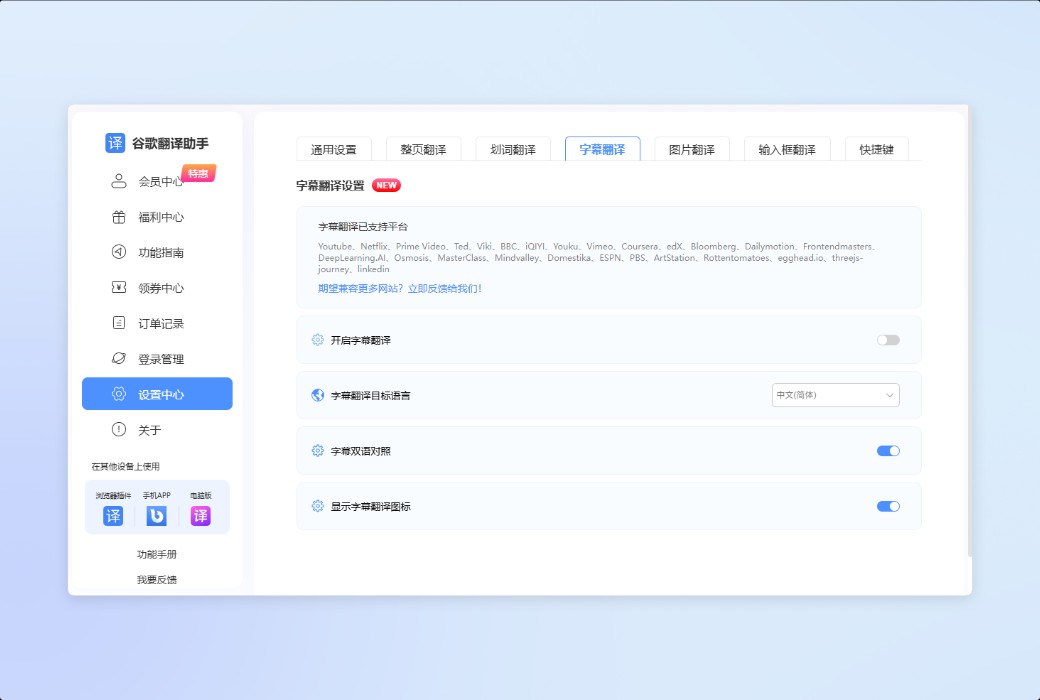
Click on 'Subtitle Translation' at the bottom of the plugin panel to enter the settings page. Turn on the 'Display Subtitle Translation Icon', then open the video that needs to be translated, and the icon will be displayed at the bottom right of the video.
Click on the icon to choose whether to enable subtitle translation function and whether to only enable subtitle translation for this video.


Please note that only YouTube will display the option 'Enable subtitle translation only this time' in the icon menu, while the icon menus of other websites are shown in the following figure:

There are also a few websites that cannot display icons in the player due to compatibility issues, including websites such as BBC, Osmosis, domestica, egghead. io, and LinkedIn
As shown in the following figure. Although these websites do not display icons, they can still experience the subtitle translation function normally. As long as the video's built-in subtitles are turned on, the translation can be triggered.

In addition, the subtitle translation function can only be used when the video itself has subtitles!
If you feel that reading Chinese alone is too monotonous and require bilingual comparison, there are more "advanced" operations available.
At the same time, open the options of "Subtitle Bilingual Comparison" and "Automatic Subtitle Translation" in the settings center, and then open the video that needs subtitle translation. Google Translate Assistant will automatically recognize the subtitles and display them in bilingual mode of original language+translation, improving your reading experience.


In addition to being translated into Chinese, there are dozens of languages to choose from, including some "obscure languages". The target language option in the subtitle translation settings can be changed.

If the website you are using is not yet compatible with the subtitle translation function of Google Translate Assistant, please feel free to provide positive feedback. We will value every piece of feedback!